




Overview
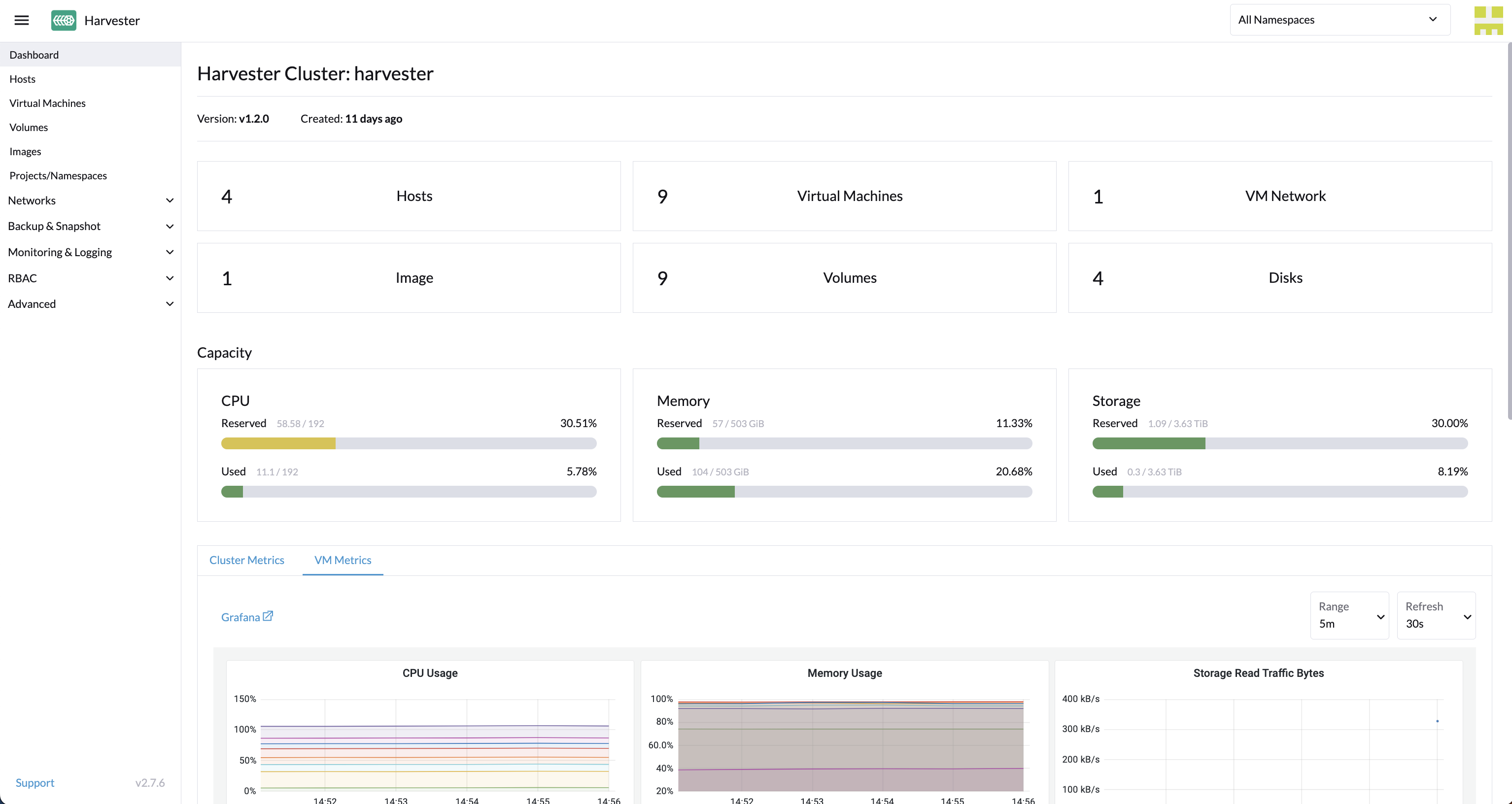
It being 2026, it’s high time we revisit SUSE Virtualization (Harvester) and Veeam Kasten. SUSE and the open source community have made great strides in improving SUSE Virtualization, including support for 3rd party storage, support for CDI for image management, and many more creature comforts of a virtualization solution.
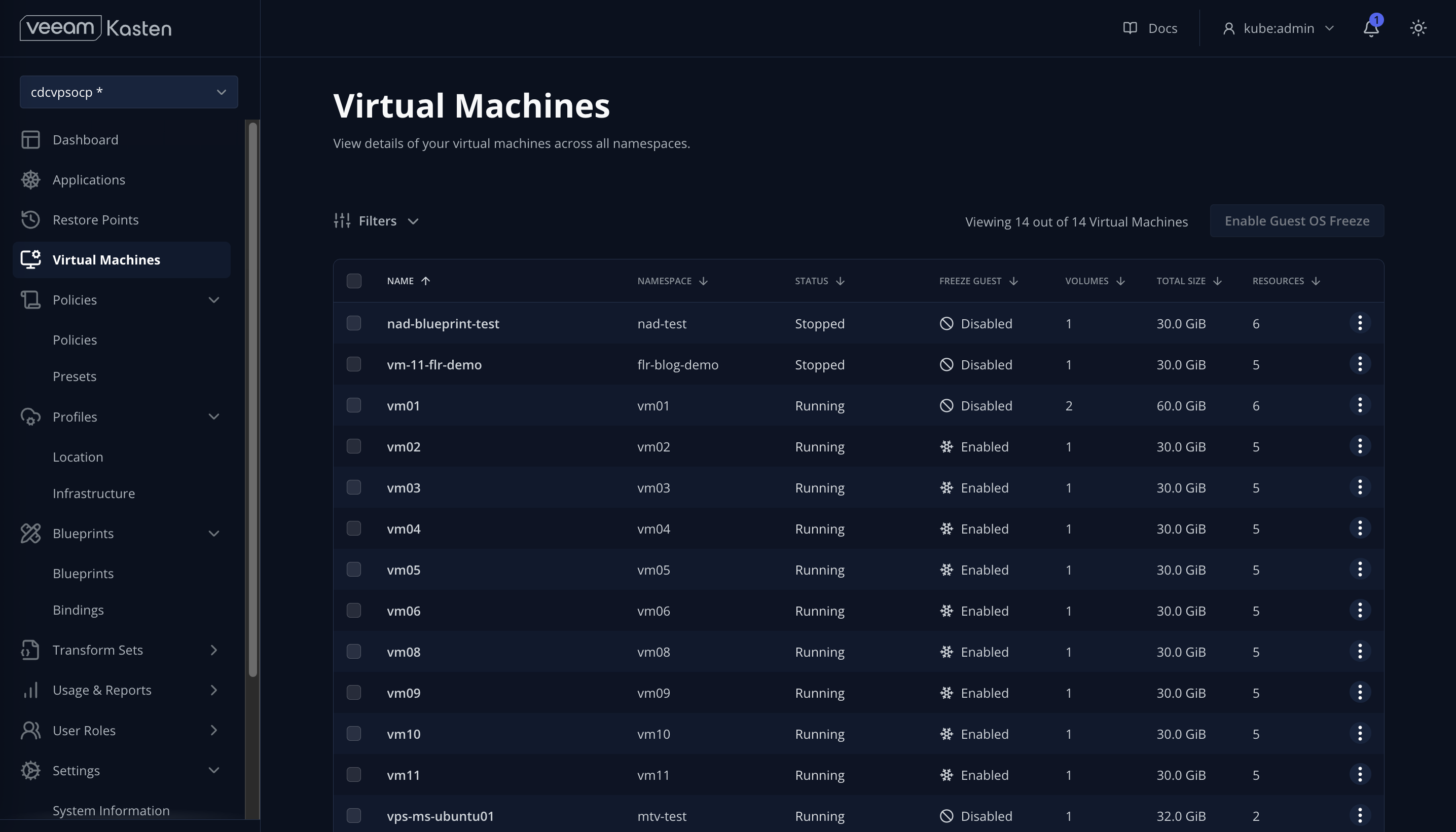
Along those same lines, we’ve implemented a number of enhancements in Veeam Kasten to compliment SUSE Virtualization, including introducing a Virtual Machine dashboard within the Kasten UI, VM-based policy and multi-VM restore, and native File-Level Recovery for both VMs and container workloads. We’ve also added support for protecting and migrating SUSE Virtualization images.
Quickstart Guide
Given the enhancements, deploying Kasten on SUSE Virtualization (Harvester) has become even easier. Below are the steps I typically use for deploying a cluster using the default Longhorn HCI storage, installing Kasten, and protecting VMs:
- Gather SUSE Virtualization configuration details:
- Host IP and netmask (e.g. 10.25.109.3/21)
- Gateway IP
- DNS IP
- Harvester VIP
- NTP IP
-
Install SUSE Virtualization or Harvester using the latest ISO
-
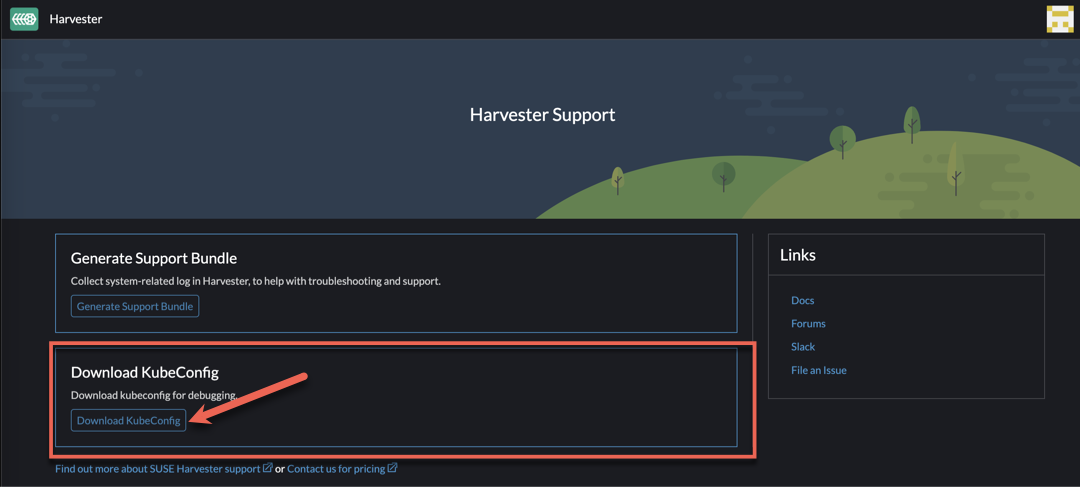
Connect to the Harvester Cluster via kubectl. To retrieve the kubectl config, navigate to Support > Download KubeConfig in the Harvester UI to download the kubeconfig YAML file.
- Annotate the built-in storage class and so Kasten knows it can export block mode PVCs from them:
kubectl annotate storageclass harvester-longhorn k10.kasten.io/sc-supports-block-mode-exports=true - Annotate the
longhorn-snapshotVolumeSnapshotClass so Kasten knows it supports volumesnapshot capabilities:kubectl annotate volumesnapshotclass longhorn-snapshot k10.kasten.io/is-snapshot-class=true - Install Kasten via helm, using the existing nginx ingress class on the cluster:
helm install k10 kasten/k10 \ --namespace 'kasten-io' \ --create-namespace \ --set "ingress.create=true" \ --set-string "ingress.class=nginx" \ --set "auth.basicAuth.enabled=true" \ --set-string "auth.basicAuth.htpasswd=kasten:{SHA}3ddV7KLvFY/54nJZFXKfZHzF78k=" \ --set-string excludedApps[0]="cattle-dashboards" \ --set-string excludedApps[1]="cattle-fleet-clusters-system" \ --set-string excludedApps[2]="cattle-fleet-local-system" \ --set-string excludedApps[3]="cattle-fleet-system" \ --set-string excludedApps[4]="cattle-logging-system" \ --set-string excludedApps[5]="cattle-monitoring-system" \ --set-string excludedApps[6]="cattle-provisioning-capi-system" \ --set-string excludedApps[7]="cattle-system" \ --set-string excludedApps[8]="cluster-fleet-local-local-1a3d67d0a899" \ --set-string excludedApps[9]="default" \ --set-string excludedApps[10]="fleet-local" \ --set-string excludedApps[11]="harvester-public" \ --set-string excludedApps[12]="harvester-system" \ --set-string excludedApps[13]="kasten-io" \ --set-string excludedApps[14]="kube-node-lease" \ --set-string excludedApps[15]="kube-public" \ --set-string excludedApps[16]="kube-system" \ --set-string excludedApps[17]="local" \ --set-string excludedApps[18]="longhorn-system" \ --set-string excludedApps[19]="user-zk9qc" - Set up the
ClusterRoleandClusterRoleBindingto allow Kasten to enumerate SUSE Virtualization (Harvester) VMS in the Kasten Virtual Machine dashboard
cat <<EOF | kubectl apply -f -
kind: ClusterRole
apiVersion: rbac.authorization.k8s.io/v1
metadata:
  name: k10-virtualmachines-admin
rules:
- apiGroups:
  - kubevirt.io
  resources:
  - virtualmachines
  verbs:
  - get
  - list
  - patch
---
apiVersion: rbac.authorization.k8s.io/v1
kind: ClusterRoleBinding
metadata:
  name: kasten-vms-access
roleRef:
  apiGroup: rbac.authorization.k8s.io
  kind: ClusterRole
  name: k10-virtualmachines-admin
subjects:
- kind: ServiceAccount
  name: auth-svc
  namespace: kasten-io
EOF
- And last but not least, create a cloud-init script for Linux VMs to install qemu agent:
cat <<EOF | kubectl apply -f -
apiVersion: v1
data:
  cloudInit: |
    #cloud-config

    users:
      - name: kasten
        groups: [sudo]
        shell: /bin/bash
        sudo: ALL=(ALL) NOPASSWD:ALL
        lock_passwd: false

    chpasswd:
      list: |
        kasten:kasten/4u!
      expire: false
      encrypted: false

    package_update: true
    packages:
      - qemu-guest-agent

    runcmd:
      - systemctl enable qemu-guest-agent
      - systemctl start qemu-guest-agent
kind: ConfigMap
metadata:
  labels:
    harvesterhci.io/cloud-init-template: user
  name: basic
  namespace: images
EOF
And with that you’re off to the races! It is recommended to configure a Location Profile to export your VM backups off the cluster - we typically recommend S3-compatible object storage with immutability, but you could also opt for any of the hyperscalers (Google Cloud Storage, AWS S3, Azure Blob), Veeam Vault, NFS, or SMB.
To see how to use VM-based policies, restores, and native File Level Recovery (FLR), check out this recent demo